Lead forms to CRM
Connect lead forms to CRM with automated workflows that capture consented details, prevent duplicate records, assign an owner, and create a visible follow-up task.
AI workflow automation services
Craft AI Labs designs reliable flows for lead capture, B2B client onboarding, bookings, CRM updates, and team tasks—without removing the human judgment that matters.
Human approval stays in the loop
From form submission to accountable follow-up
A lead form is only the beginning. Someone still has to validate details, assign the enquiry, update a CRM, notify a teammate, or schedule a follow-up. Across disconnected inboxes and spreadsheets, those steps get delayed, duplicated, or missed.
Workflow automation uses rules, integrations, and—where useful—AI to move information between systems. AI can interpret an unstructured message, summarize context, categorize intent, or extract key details. Agreed business rules then control what happens next.
We design the full path around a declared source of truth: who owns the record, which systems may write to it, how failures are surfaced, and when a person must review or decide.
What a dependable workflow needs
CRM workflow automation works best when the handoff, record ownership, and human review path are designed before the connections are built.
CRM workflow automation connects the tools your team uses to capture, route, and follow up on work. It can take a consented website enquiry, create or update a CRM record, assign a responsible person, and prepare the next task.
A reliable workflow starts with a repeated process, a clear business outcome, and rules your team can explain. Before building, we check the fields, permissions, existing systems, and exception cases that decide whether a connection is dependable. That upfront work helps prevent brittle links, duplicate records, unclear ownership, and missed follow-up later.
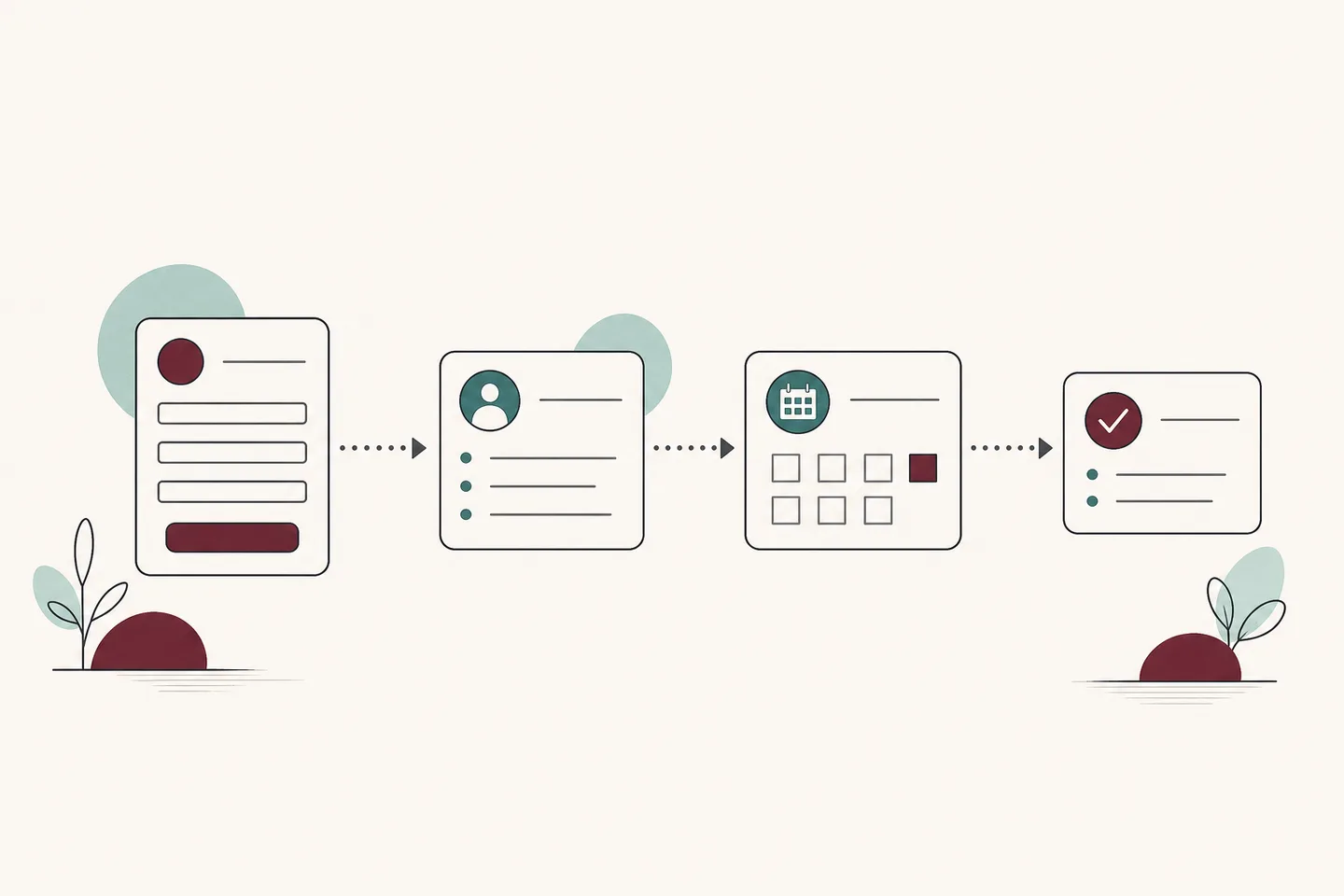
A dependable lead-routing workflow captures consented details, checks for duplicates, updates the CRM, assigns an owner, and creates the next task. The exact steps depend on your form, CRM, and team rules.
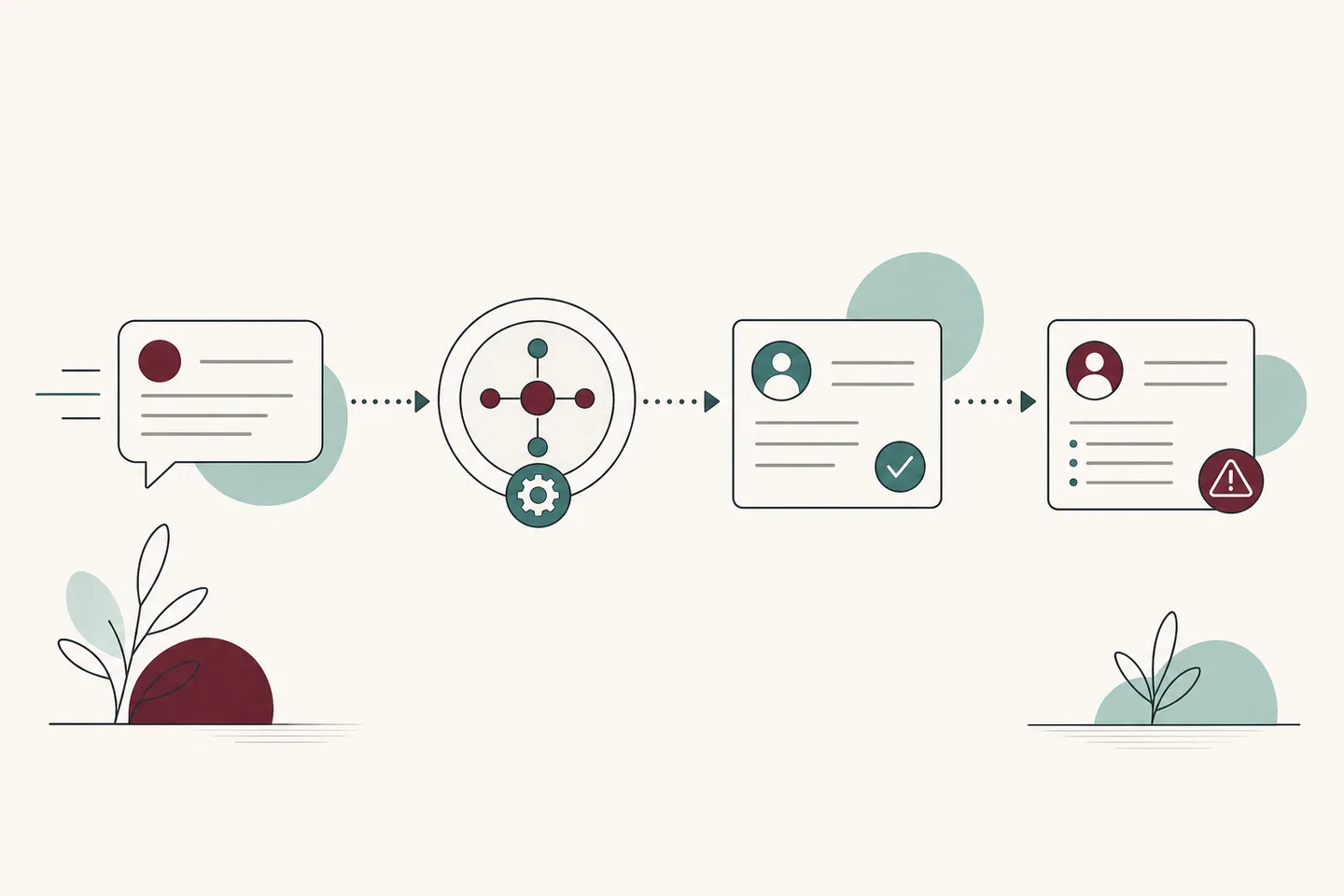
Every workflow needs an agreed source of truth. We establish which system owns each record, which systems may write to it, and how permission or API limits affect the design.
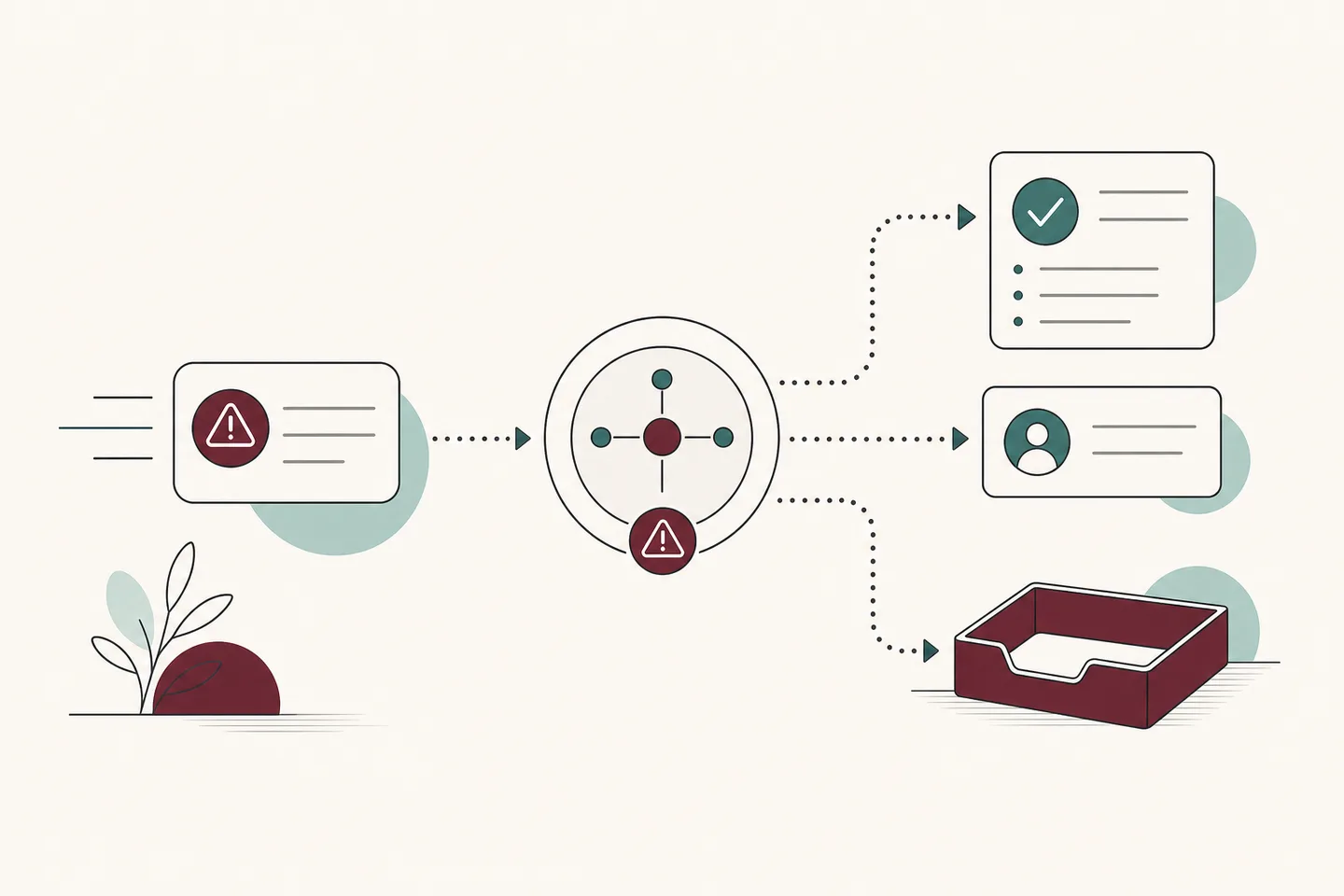
When information is missing, a request is unusual, or a decision needs judgment, the workflow surfaces context to the right person instead of quietly failing or acting beyond its remit.
Common use cases
We build custom automation around frequent, rules-based work with a clear source of truth, a measurable outcome, and a human path for exceptions.
Connect lead forms to CRM with automated workflows that capture consented details, prevent duplicate records, assign an owner, and create a visible follow-up task.
Coordinate contracts, welcome emails, intake forms, stakeholder tasks, and kickoff booking through a B2B client onboarding workflow with clear ownership.
Convert customer messages into structured records, summaries, notifications, and owned next steps.
Collect the right details, flag urgency, and route each request to the responsible person.
Where documented APIs, permissions, and rate limits allow, connect specialist or legacy systems to automated workflows without handing data ownership to a black box.
Your stack, connected
We can plan workflows around WhatsApp, Instagram, Facebook, website forms, email, Google Sheets, Airtable, HubSpot, Salesforce, Calendly, Shopify, and WooCommerce when their supported integrations, API access, permissions, and data policies fit the scope.
A dependable implementation
The best first project is not always the most ambitious. It removes meaningful recurring friction, respects your data ownership, and fits the way your team already works.
Document the trigger, required information, data owner, source of truth, approval points, and business outcome.
Define routing rules, API feasibility, permissions, retries, human approvals, and the path for exceptions.
Connect the agreed channels and systems around one dependable workflow while keeping each record in its chosen source of truth.
Exercise duplicates, missing details, ambiguous requests, unavailable APIs, and failed connections before launch.
Review live exceptions and outcomes with your team, then refine the workflow as roles, systems, and processes evolve.
Is it a fit?
Workflow automation is valuable when staff routinely move information between tools, follow up from memory, check several inboxes, or rebuild customer context before acting. It is a strong fit when the team can name an accountable owner and a source of truth for each critical record.
Questions before you automate
Yes, when the form and CRM provide a suitable supported connection or documented API. We map field ownership, duplicate handling, consented data, lead assignment, and the follow-up path before building.
Yes. A B2B client onboarding workflow can coordinate intake, agreements, stakeholder tasks, welcome communication, and kickoff booking. Your team remains responsible for approvals and relationship decisions.
We assess custom API integrations case by case. Feasibility depends on documented endpoints, authentication, permissions, rate limits, data access, and the stability of the third-party system. We will be clear when a reliable connection is not practical.
We define visible failure paths, including alerts, retries where appropriate, and human handoffs, so failed, incomplete, or unusual requests do not disappear.
AI can classify, summarize, or extract information within agreed boundaries. Business rules and human review should control consequential decisions, sensitive data, and exceptions.
Start with a frequent, repetitive process that consumes meaningful time and has a clear outcome. Discovery helps rank candidates by value, risk, and readiness.
We’ll map one workflow that is slowing your team down, check its integration feasibility, and identify a practical automation path with clear human ownership.